.avif)

.jpg)

.jpg)

.avif)



.png)

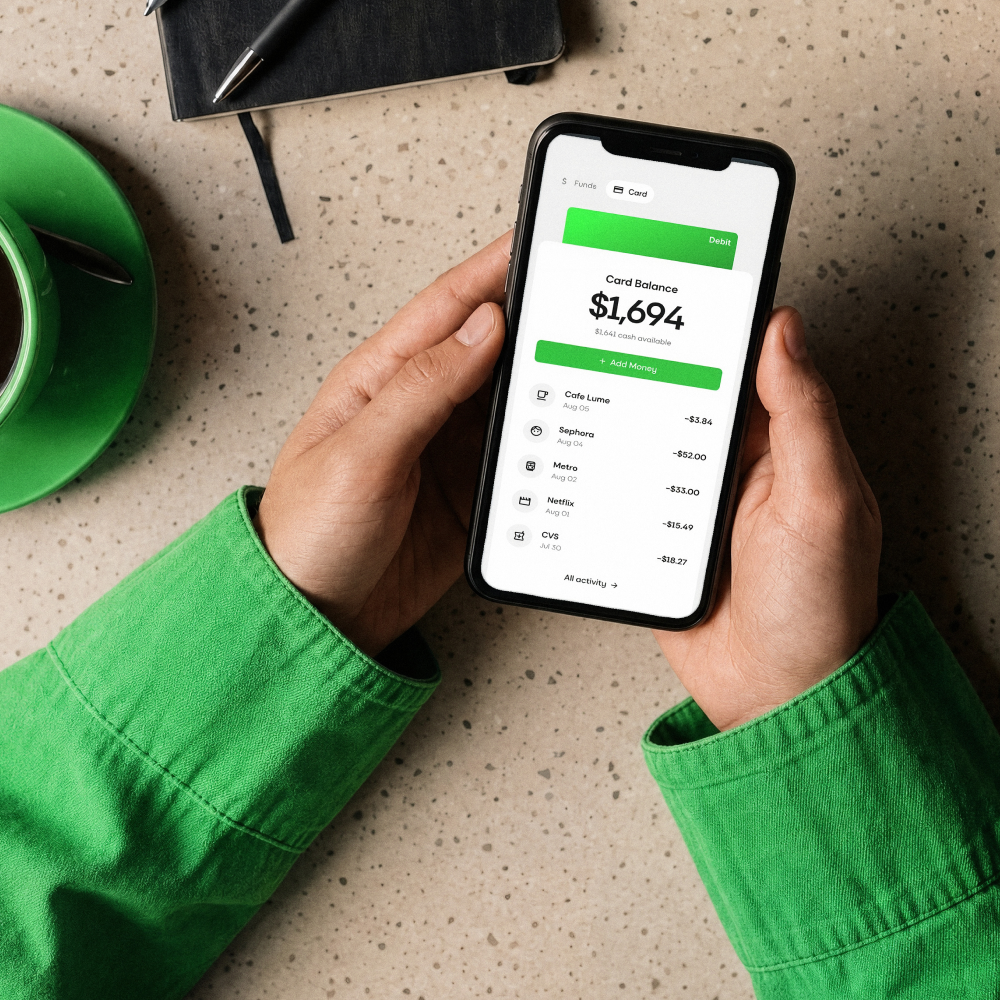
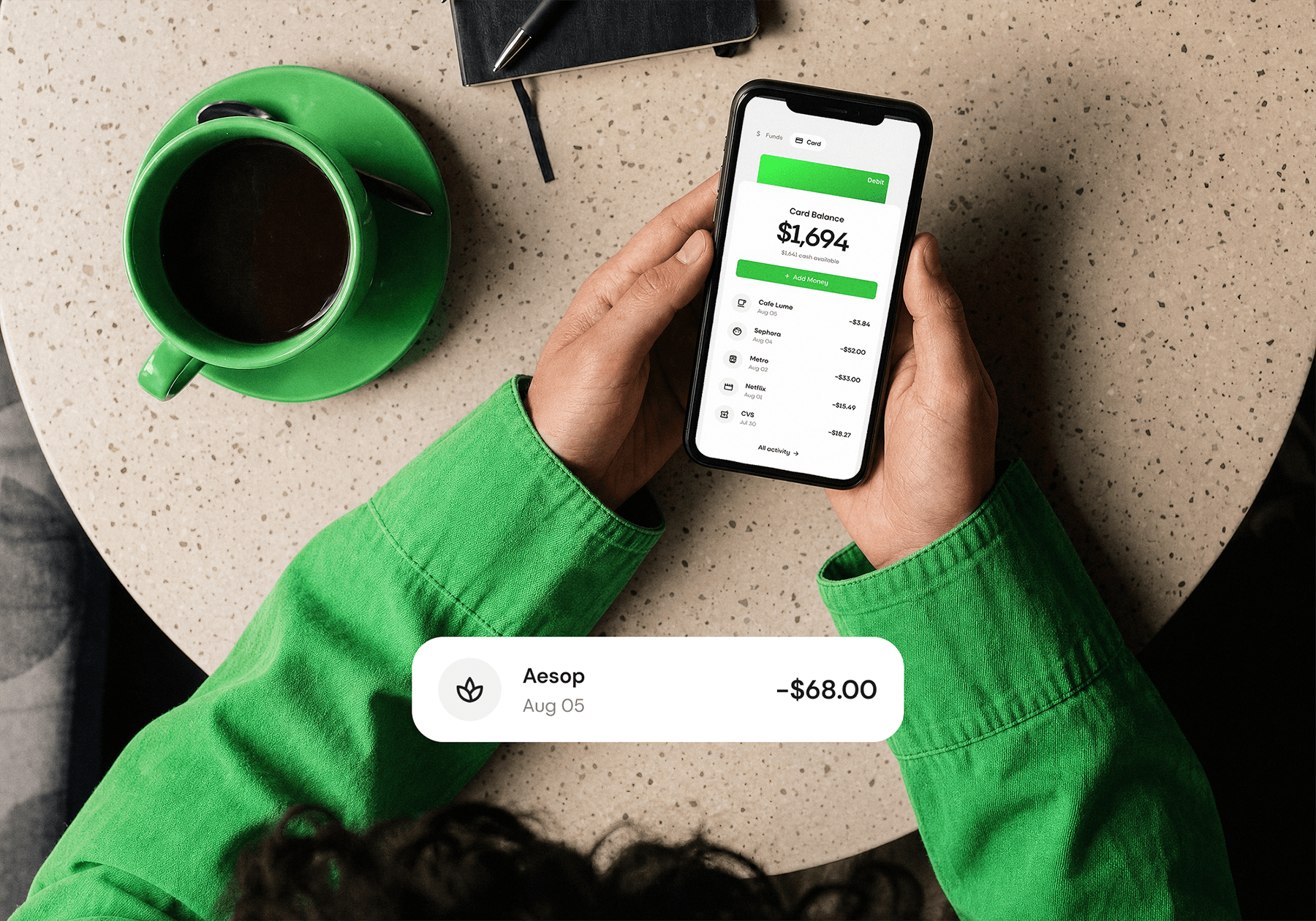
Create and top up your Send virtual card in the app.
Ready in minutes.

Use it online and in store, wherever Visa is accepted. One card for subscriptions, travel and the everyday.
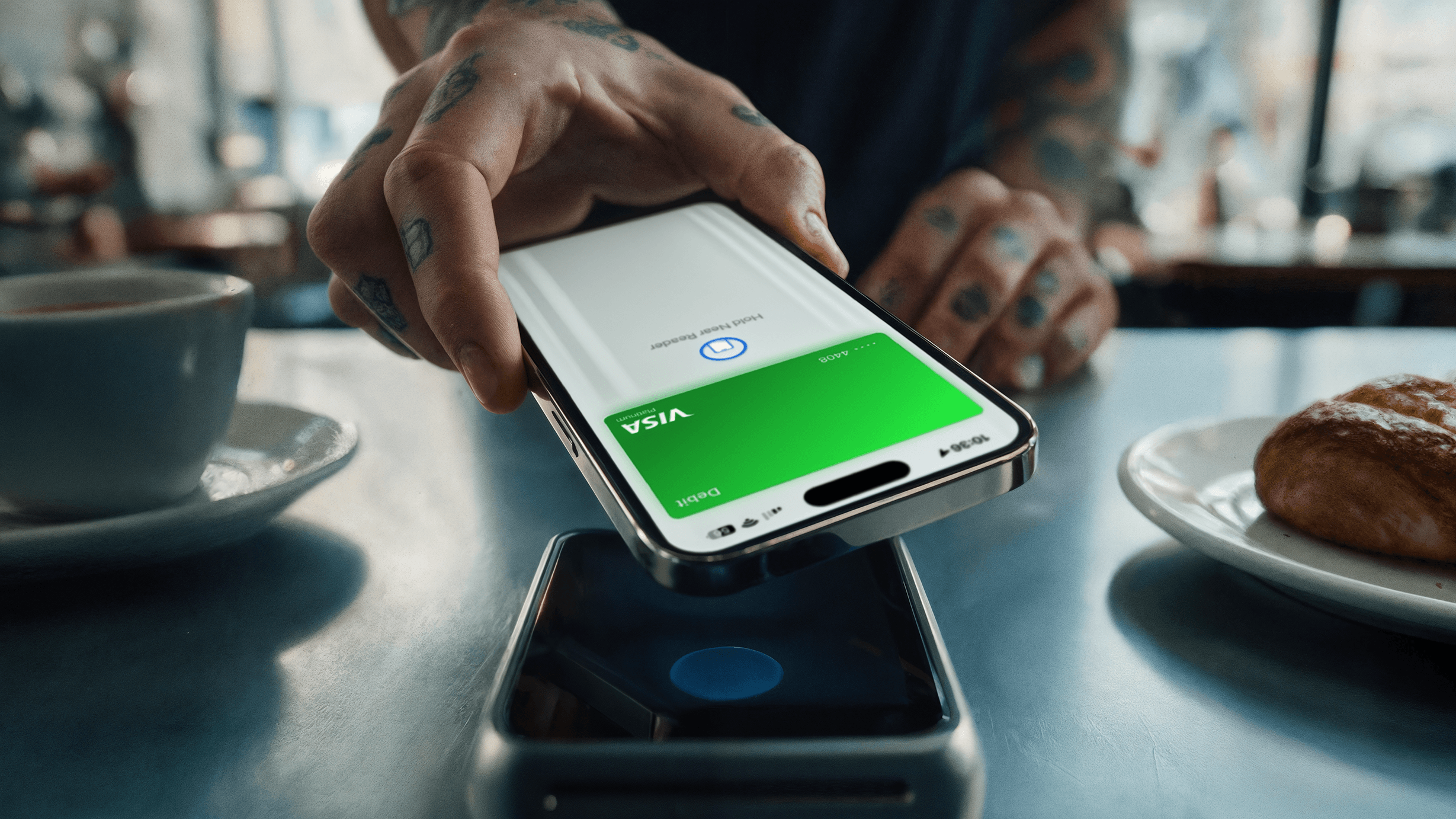
Add your card to Apple Pay or Google Pay and pay with your phone or watch. Your card stays within reach.

Unlock your wallet with your face, fingerprint, or device passcode. No passwords. No seed phrases.
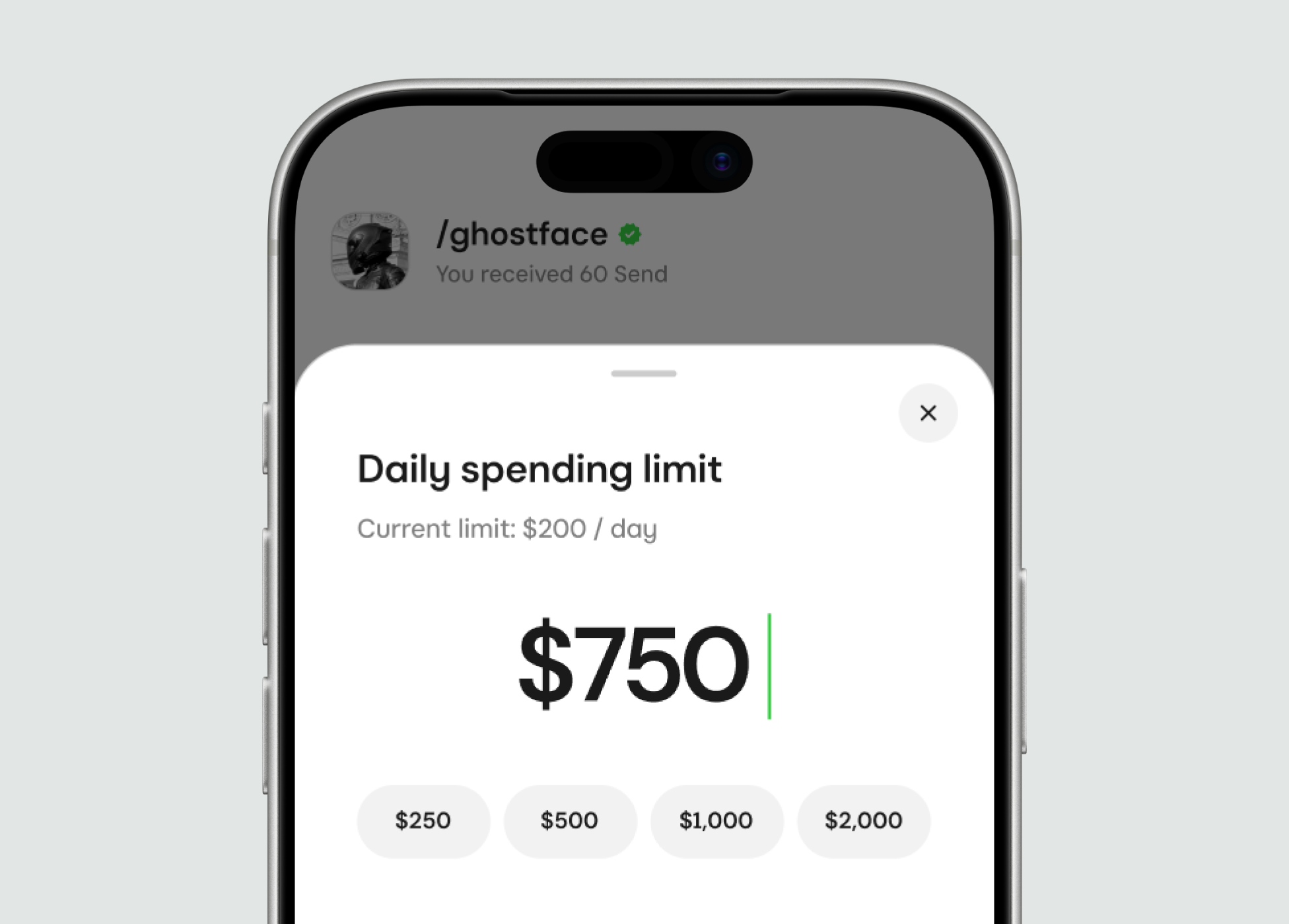
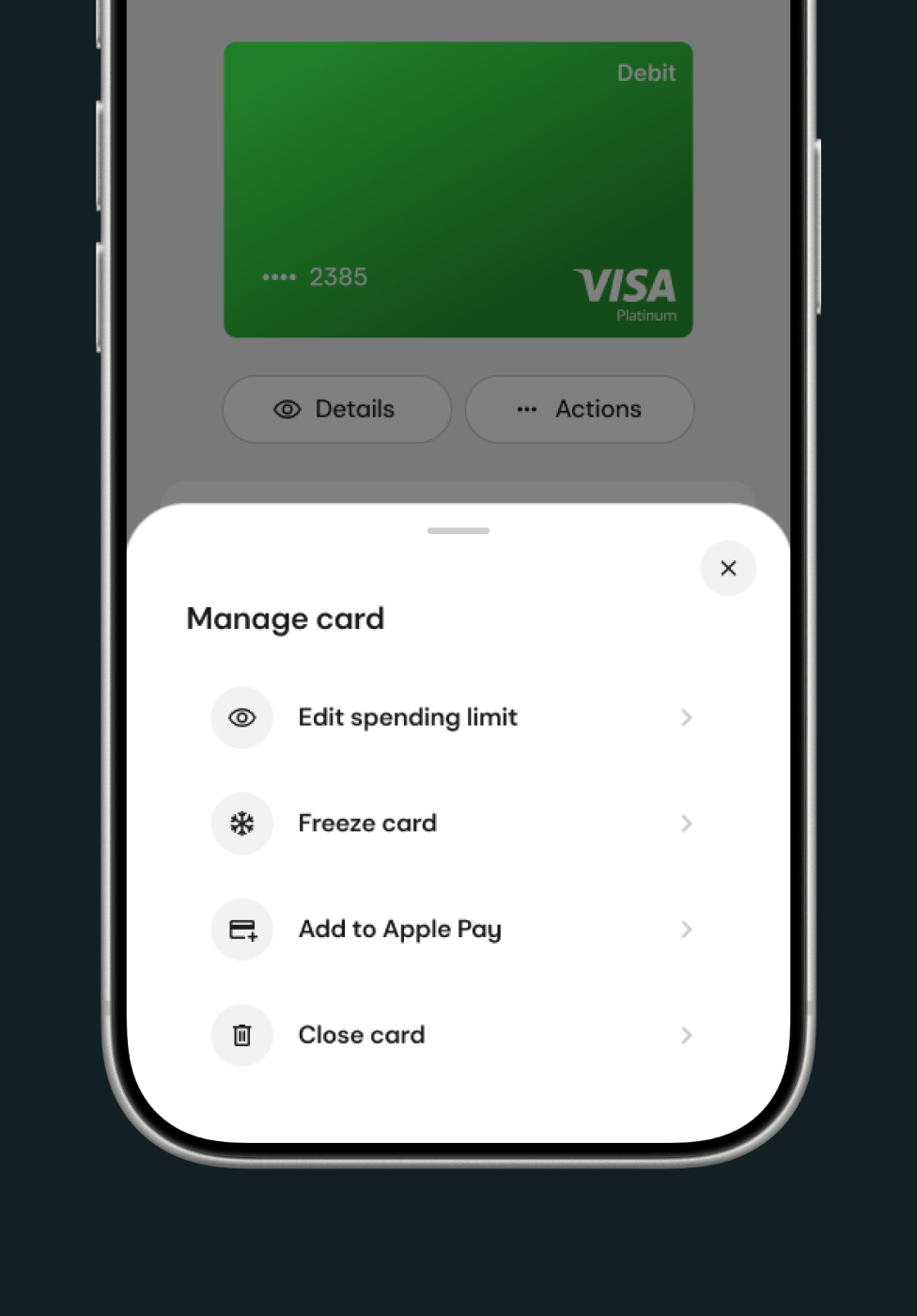
Set a limit that suits you and adjust it whenever you like. Everything stays inside your card balance.
Use it online and in store, wherever Visa is accepted. One card for subscriptions, travel and the everyday.
Open Cards in Send and complete verification
Add funds to your separate card balance
Spend from your card balance, online or in store
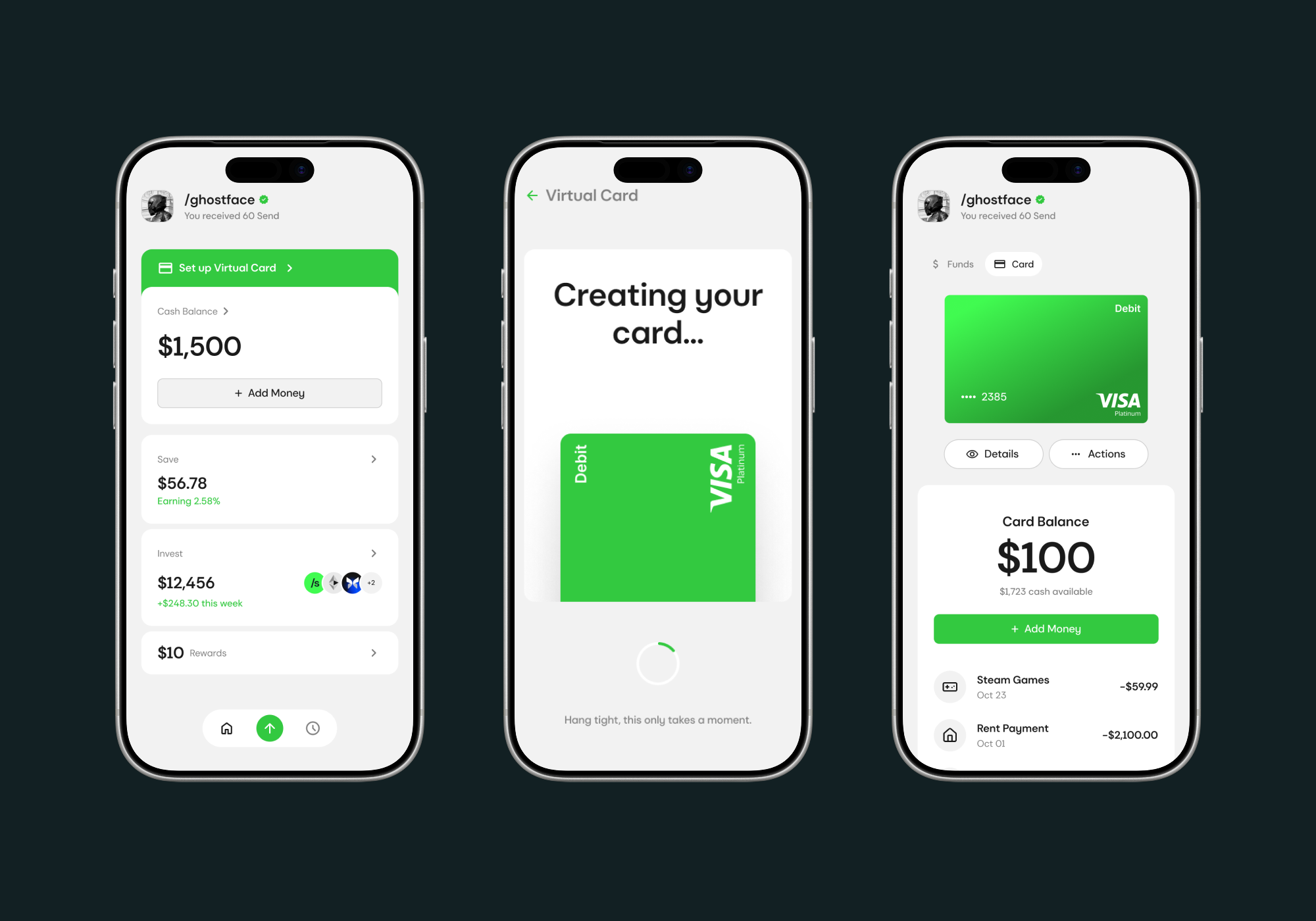
Top up in seconds.
Spend anywhere.
.png)

Send Card is a digital Visa card connected to your Send account, giving you a simple way to use your digital dollars for everyday spending.
Send Card can be used wherever Visa is accepted, subject to applicable restrictions. Use it for online purchases, subscriptions, international spending, or add it to Apple Pay or Google Pay for contactless payments.
Open the Send App and select Cards to get started. You’ll need to complete the required identity and eligibility verification before creating and funding your card.
You can fund your Send Card directly from your Send balance. At launch, Cards can be funded using native USDC on Base.
Send Cards are available to eligible Send users in supported countries, subject to applicable age, identity verification, eligibility, and program requirements.

We’re building a space where ideas move faster, creativity feels effortless, and every message matters. Your support and feedback help shape the future of how we connect, share, and create—together.