.avif)


.jpg)

.jpg)

.avif)




Today, Send is introducing Send Cards, giving Send users a new way to use their digital dollars for everyday spending.
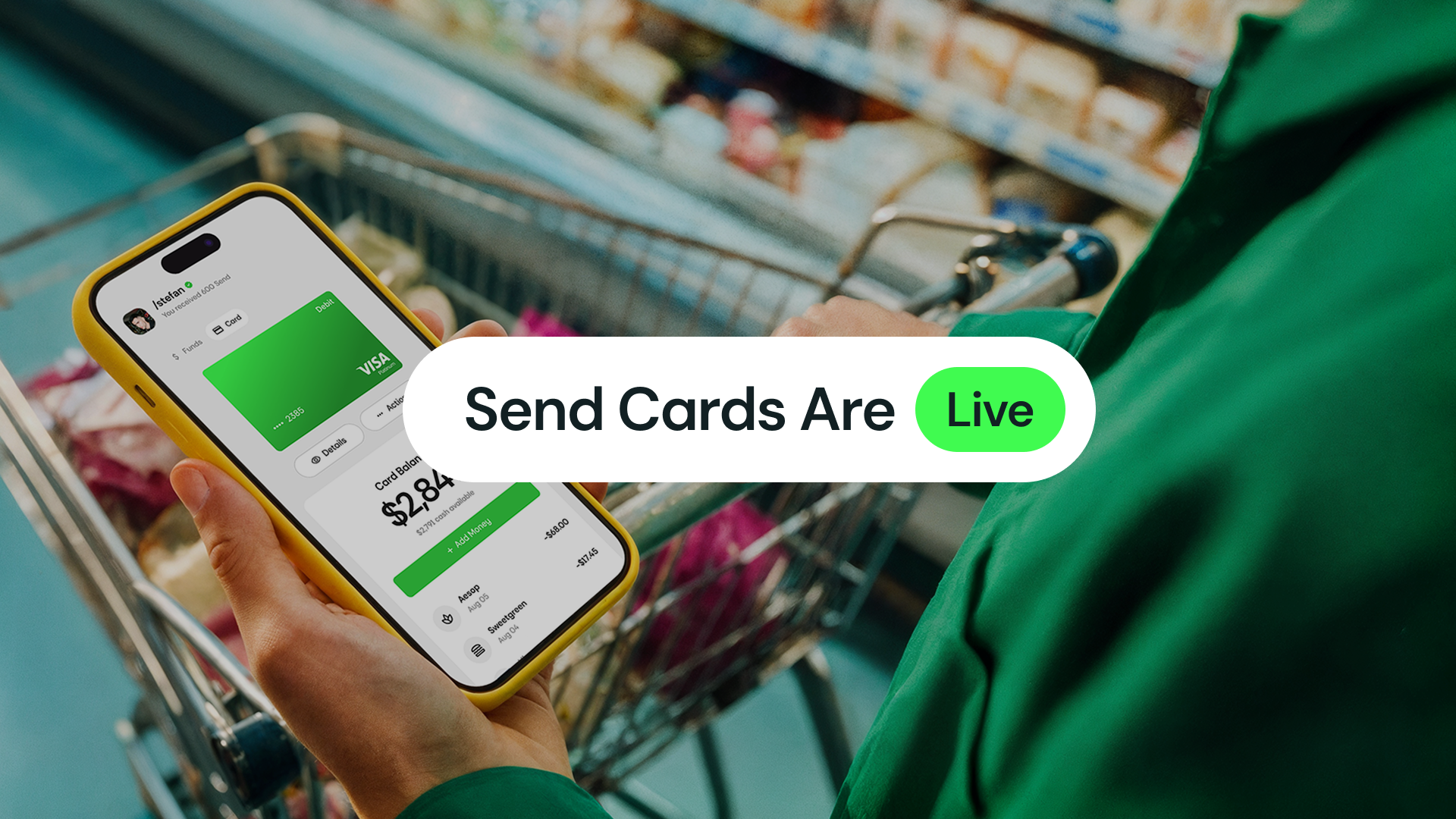
Today, Send is introducing Send Cards, giving Send users a new way to use their digital dollars for everyday spending.
The new digital Visa card can be funded with native USDC directly from a users Send balance on Base and used for online purchases, recurring subscriptions, international spending, and contactless payments through Apple Pay and Google Pay wherever Visa is accepted, subject to applicable restrictions.
For Send, the launch marks an important expansion of the product experience: from making digital money easier to send and save to making it easier to spend.
The launch covers virtual cards only, physical cards will follow in the future.
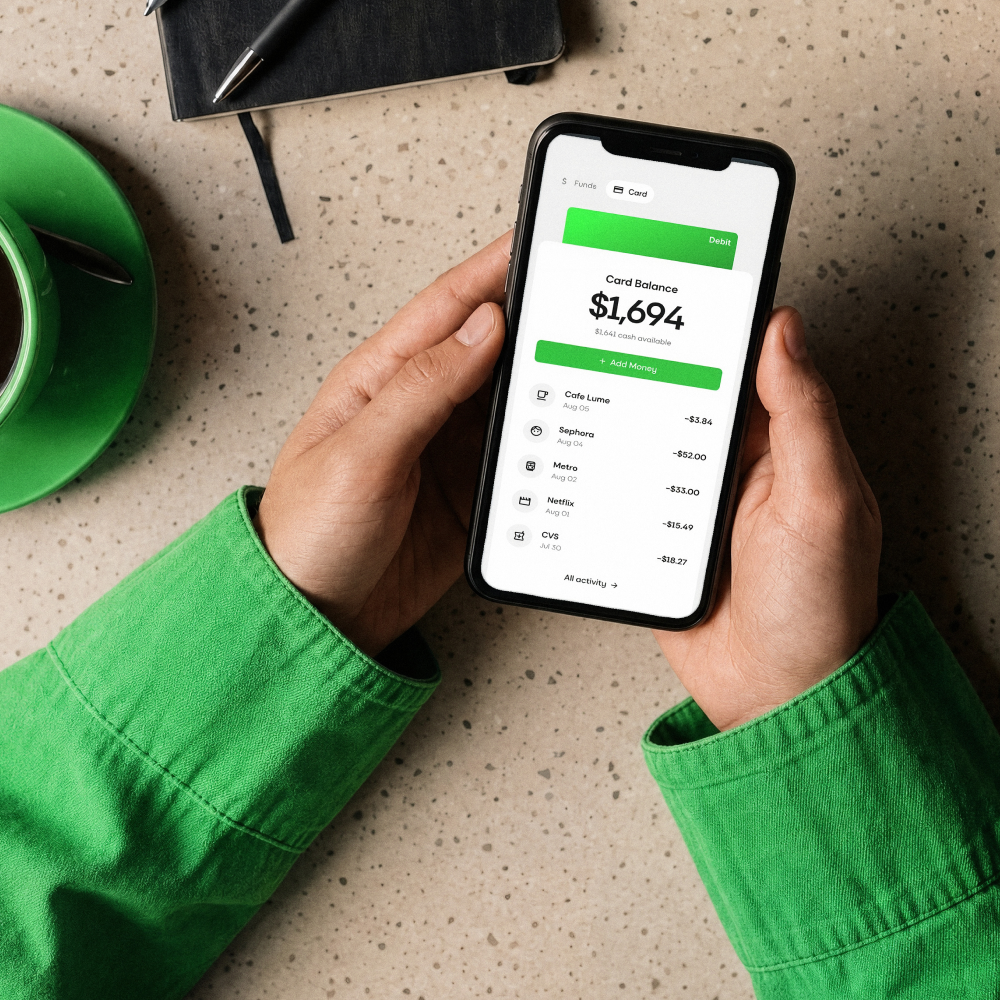
Send Card is a digital Visa card connected to your Send account.
Each card has a dedicated USD denominated balance that users can fund with native USDC held in Send on Base. When funds are added to the card, USDC is converted into USD card funds and becomes available for purchases.
Once issued, Send Card can be used anywhere Visa is accepted, subject to applicable restrictions, including:
• Online purchases
• Contactless in store payments through Apple Pay and Google Pay
• Recurring subscriptions
• International purchases
Purchases made in currencies other than USD are converted at the time of the transaction.
At launch, Send Cards can be funded with native USDC on Base.
Getting a Send Card starts in the Send App:
Once an eligible users verification has been approved, the digital card can be issued immediately.
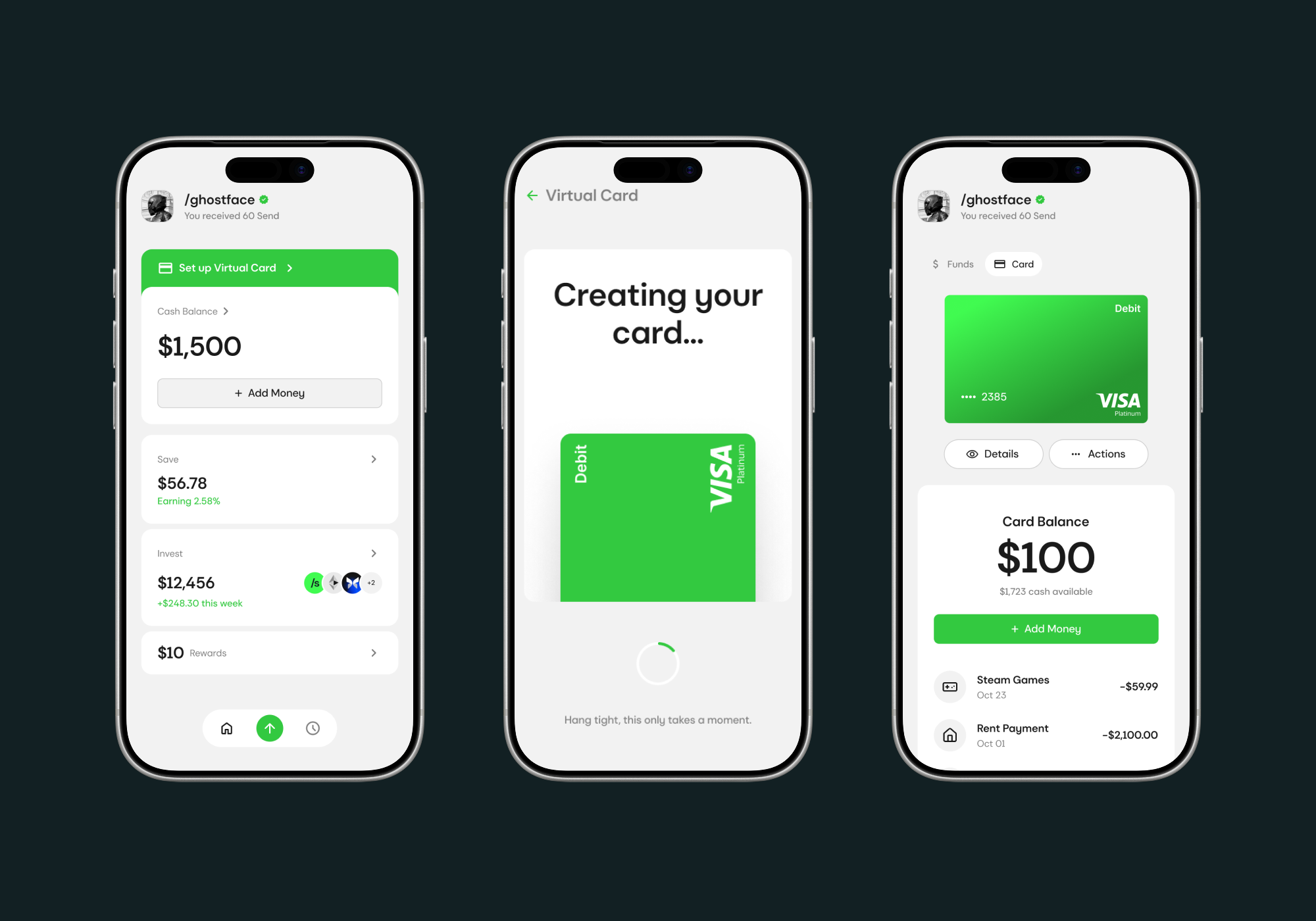
Send was built to make digital money easier to use. Send Cards extend that experience into everyday spending.
The same USDC users can already hold and move through Send can now fund a digital Visa card for purchases online, in stores, across subscriptions, and while travelling.
It brings another part of everyday financial life into Send and another use case to money held on Base.
Send Cards are available now to eligible users in supported countries.
/send it
Click here for a list of supported countries.
Send Cards are subject to identity and eligibility verification, applicable age and program requirements, geographic availability, and program terms.
• Send.app
• Send Cards
• Download Send on iOS
• Download Send on Android
1. What is a Send Card?
Send Card is a digital Visa card connected to your Send account, giving you a simple way to use your digital dollars for everyday spending.
2. Where can I use my Send Card?
Send Card can be used wherever Visa is accepted, subject to applicable restrictions. Use it for online purchases, subscriptions, international spending, or add it to Apple Pay or Google Pay for contactless payments.
3. How do I get a Send Card?
Open the Send App and select Cards to get started. You will need to complete the required identity and eligibility verification before creating and funding your card.
4. How do I fund my Send Card?
You can fund your Send Card directly from your Send balance. At launch, Cards can be funded using native USDC on Base.
5. Who is eligible for a Send Card?
Send Cards are available to eligible Send users in supported countries, subject to applicable age, identity verification, eligibility, and program requirements.

We’re building a space where ideas move faster, creativity feels effortless, and every message matters. Your support and feedback help shape the future of how we connect, share, and create—together.